
Search QR Codes…My ICQR
Made with AI, picked by hand.
The artwork comes out of image models. What reaches the gallery is my call: the subject, the color and a scan check on every code before it goes live.

The artwork comes out of image models. What reaches the gallery is my call: the subject, the color and a scan check on every code before it goes live.
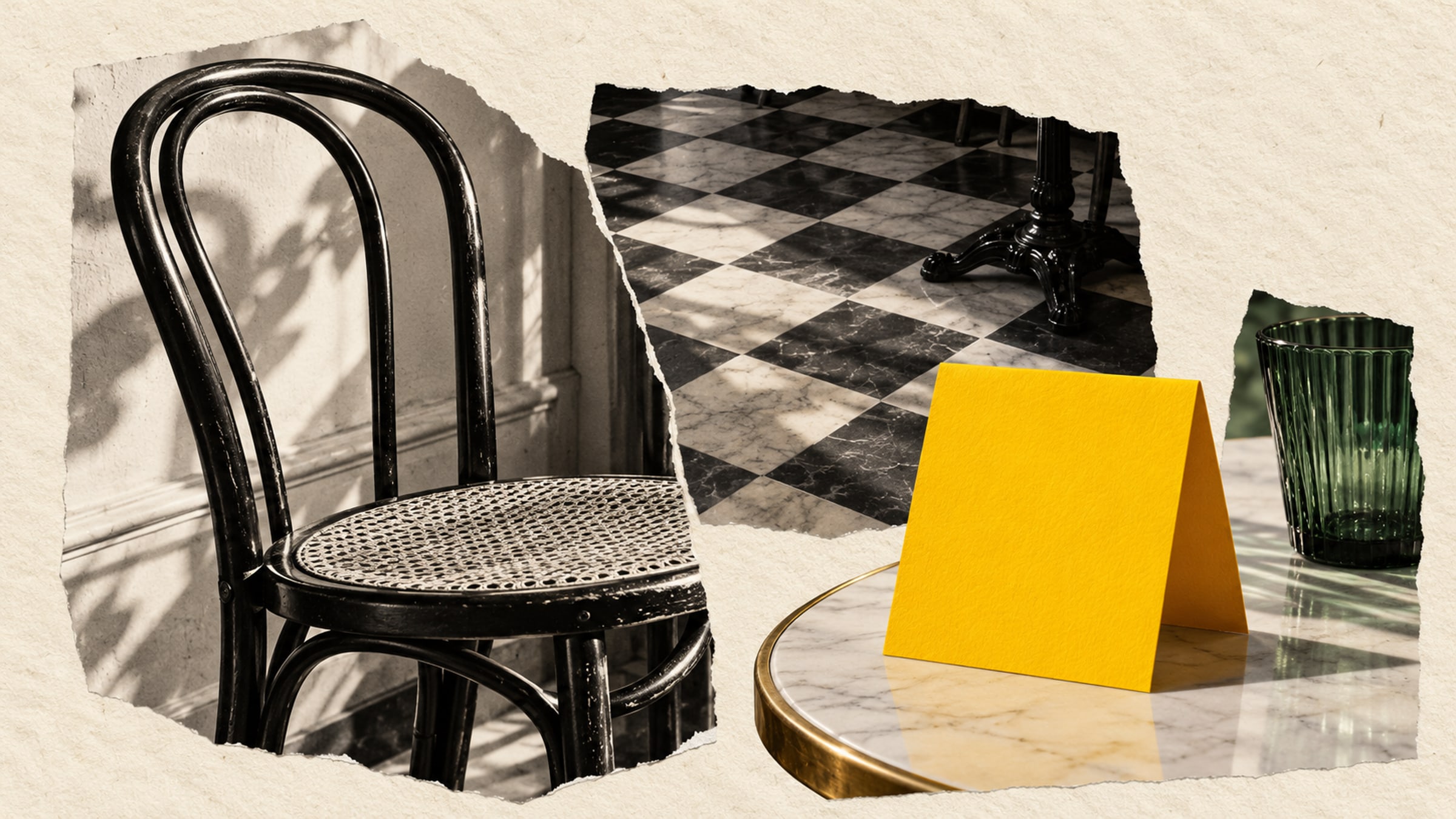
A guest sits down, moves the water glass and looks for the menu. Your table card has a few seconds to explain what it does. "View the food menu" gives them a reason to scan. A decorative code with no caption leaves them guessing.
Restaurant QR codes work best when their destination fits the place where someone finds them. A person waiting for lunch needs today's menu. Someone opening a takeaway bag at home may want to order the same meal again.
Link the main table code to a mobile-friendly menu with current prices. Open that page on a phone before choosing the artwork: can you read a dish description without zooming, and can you get back from the drinks section without losing your place? A large print-layout PDF makes those small tasks awkward.
If you already use an ordering service, link to its customer-facing page. Check whether a table-specific order needs a different URL for each table. A general menu link does not identify where a guest is sitting. Keep a printed menu available for anyone who cannot or prefers not to scan.
For a quiet dining room, an optional menu card may fit better than making every interaction happen on a phone.
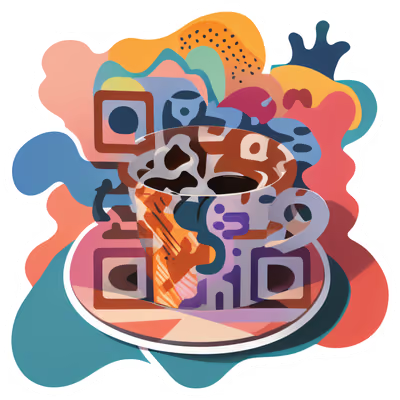
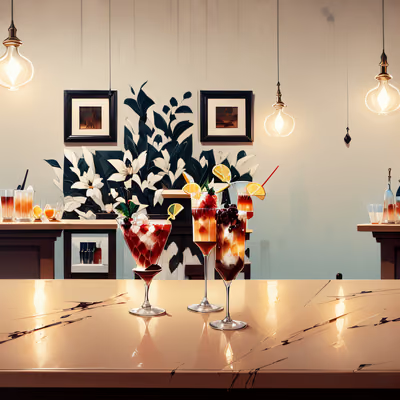
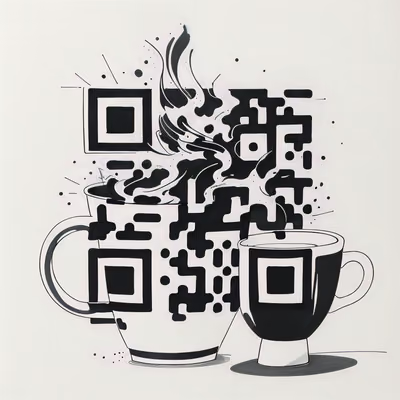
A coffee illustration makes sense beside a pastry counter. A painterly bar scene suits a drinks list. Pick a design with a clear subject, then give it enough space on the card for the image and the scan instruction to remain separate.
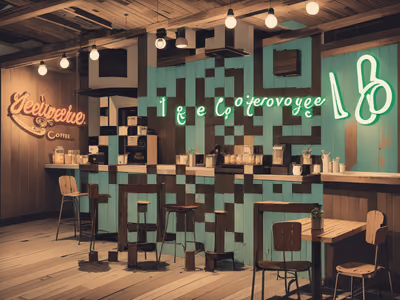
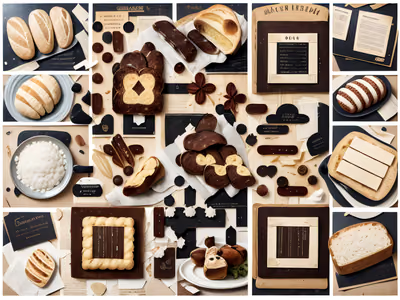
The selection below moves from cafe interiors and line drawings to bakery and cocktail imagery. Compare them against your actual table surface, crockery and menu typography. A colorful design that looks lively on a screen can become visually busy on a patterned tablecloth.
A bag insert can point directly to repeat ordering. Put "Order for pickup" beside the code and print your restaurant name and a short web address nearby. If the destination first asks customers to choose between multiple locations, make sure yours is easy to identify.
A booking card serves a different purpose. Place it with the bill or near the exit, where a guest might be thinking about returning. Avoid squeezing several nearly identical codes onto one small card. When you need separate actions, separate their locations or use a simple destination page with clearly named choices.
Print one sample at its intended size and put it in the holder you will actually use. Test it from a seated position under evening lighting. A glossy sleeve can reflect a pendant light directly into the camera; try a matte finish or a different angle if that happens.
The QR supplies a route to your menu or ordering provider. It does not create a menu, accept an order or take payment by itself. Maintain the destination whenever prices, opening hours or services change.
For bags, sleeves and product labels, see the separate guide to QR codes on packaging before sending the artwork to print.
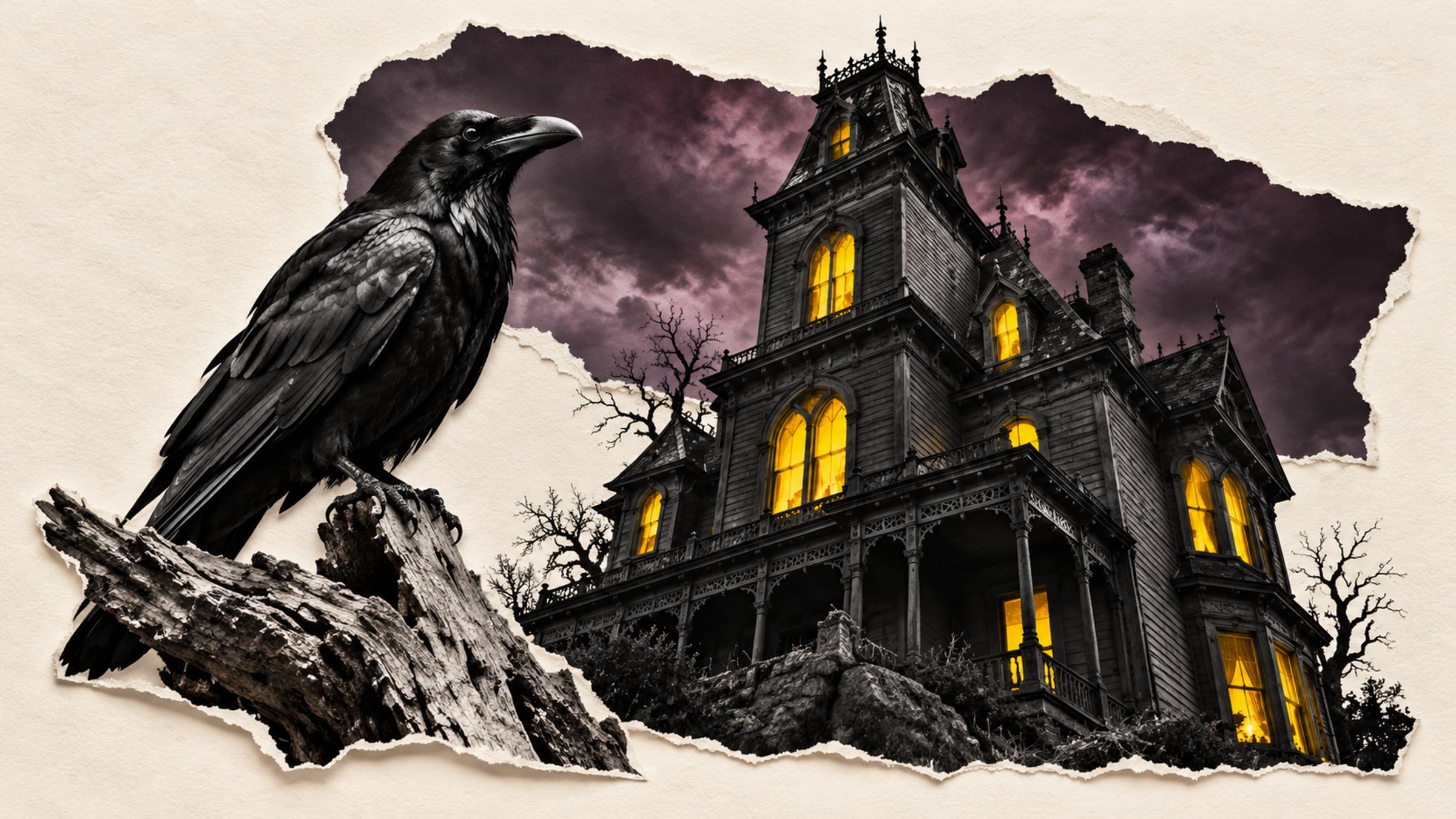
Give a haunted portrait a voice or let visitors uncover the history of a crooked house. A small scan prompt can become part of the scene.
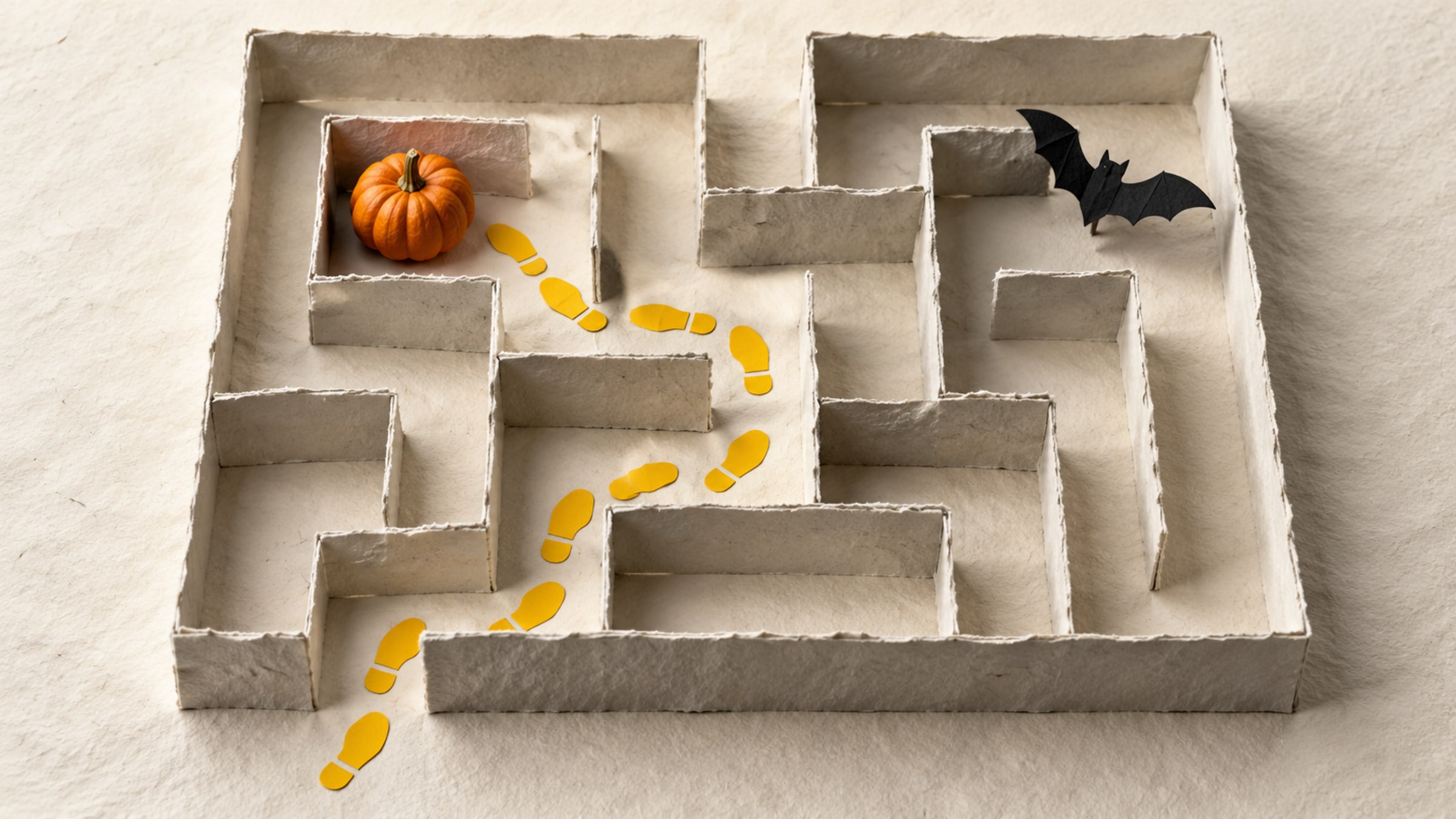
Build a short trail with a clear start, readable clues and a satisfying finish. This five-stop plan includes a paper fallback for guests without a phone.