
Search QR Codes…My ICQR
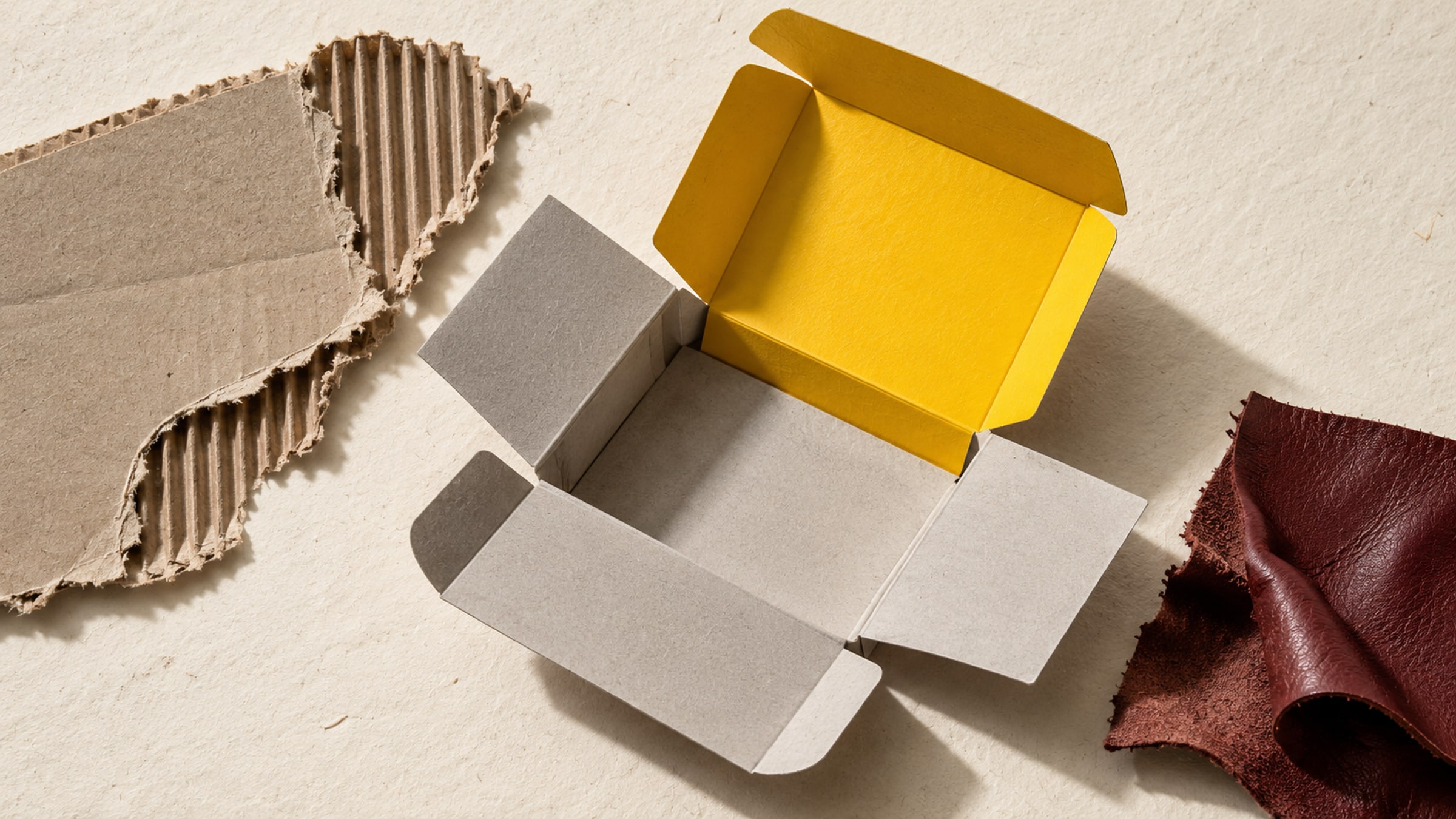
A customer has opened a box and wants to know how to care for what is inside. This is a useful place for a QR code: the package is already in their hands, and the answer can live on a page you maintain.
Choose the destination before deciding where to print the code. An instruction link, a refill order and a film about the maker serve different purposes. The caption should say which one the customer will get.
For ceramics, a care page might explain the maker's washing guidance. For clothing, it might show the product's own care instructions and repair service. A food brand could link to serving suggestions. Use information approved for the actual product, and keep required on-pack information in place.
A broad brand homepage is often a poor substitute. If the box promises "Assembly guide," the link should open the relevant guide. Include the model or product name on that page so customers can confirm they are in the right place.
A story about the maker can work on a gift insert, where there is time to browse. Keep it separate from instructions someone needs to use the product. The package can have personality without making practical information difficult to find.
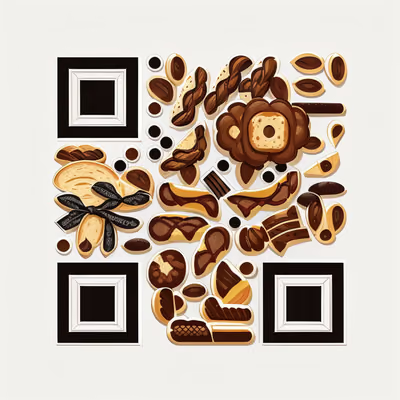
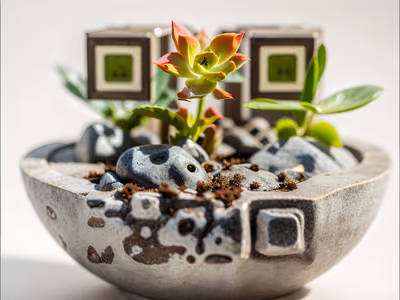
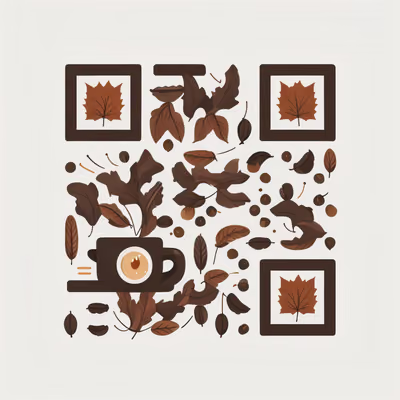
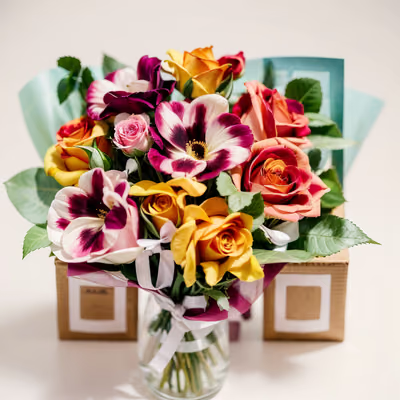
The examples below offer different starting points: bakery line art, botanical photographs and small still lifes. On a plain sleeve, a detailed image has room to breathe. On a heavily patterned box, a simpler design and a clear backing panel may be easier to read.
Use a high-resolution export, keep the full image intact and avoid placing decorative graphics over its code structure. Leave the clear margin supplied with the artwork. Test artistic designs on the finished material rather than assuming that attractive screen artwork guarantees a scan.
Keep the code away from folds, seams, tear strips and edges that will be covered by tape. A panel that looks flat in the dieline may bend when the package is filled. Cylindrical jars need a test with the label actually wrapped around the container.
Print a sample, assemble the package and scan it from the angles a customer is likely to use. Check glare on glossy stock and loss of detail on absorbent paper. There is no single minimum size that guarantees every artistic design will scan on every surface.
An artistic QR that opens a website is not automatically a checkout barcode.
If your package enters retail distribution, follow the barcode requirements supplied by your retailer or GS1 specialist. Do not remove the existing product barcode simply because you have added a QR link.
Boxes and care cards can remain in use long after a campaign ends. Use a destination you control and can maintain. If you use a redirect service, check the terms that keep the printed link active, and retain access to the account that manages it.
Before approving the print run, record the final destination, the artwork version and the physical sample you tested. Recheck the link when the product changes. For seasonal gift inserts, see Christmas QR ideas for cards and gifts.

Give a haunted portrait a voice or let visitors uncover the history of a crooked house. A small scan prompt can become part of the scene.
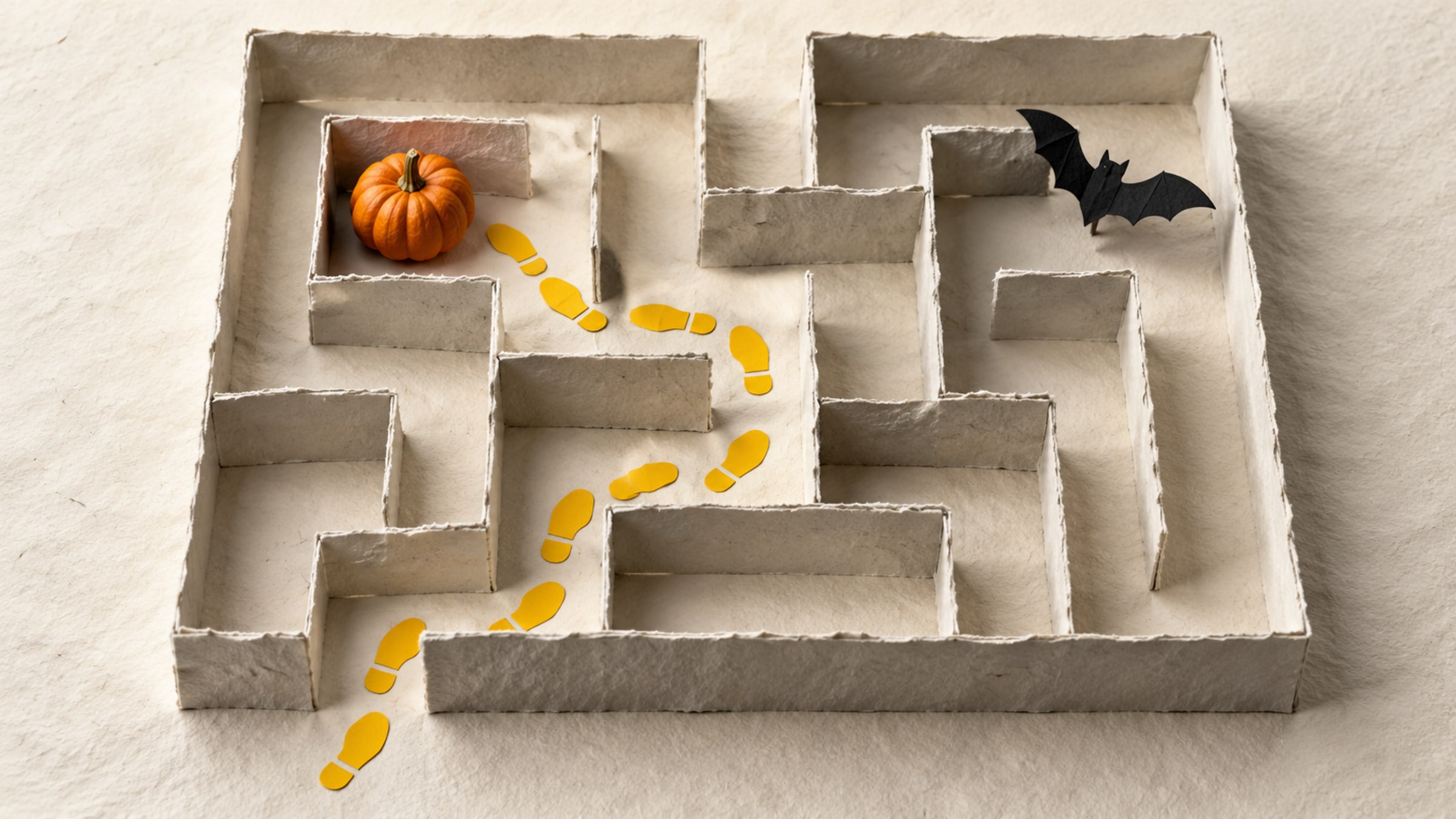
Build a short trail with a clear start, readable clues and a satisfying finish. This five-stop plan includes a paper fallback for guests without a phone.