
Search QR Codes…My ICQR
Made with AI, picked by hand.
The artwork comes out of image models. What reaches the gallery is my call: the subject, the color and a scan check on every code before it goes live.

The artwork comes out of image models. What reaches the gallery is my call: the subject, the color and a scan check on every code before it goes live.
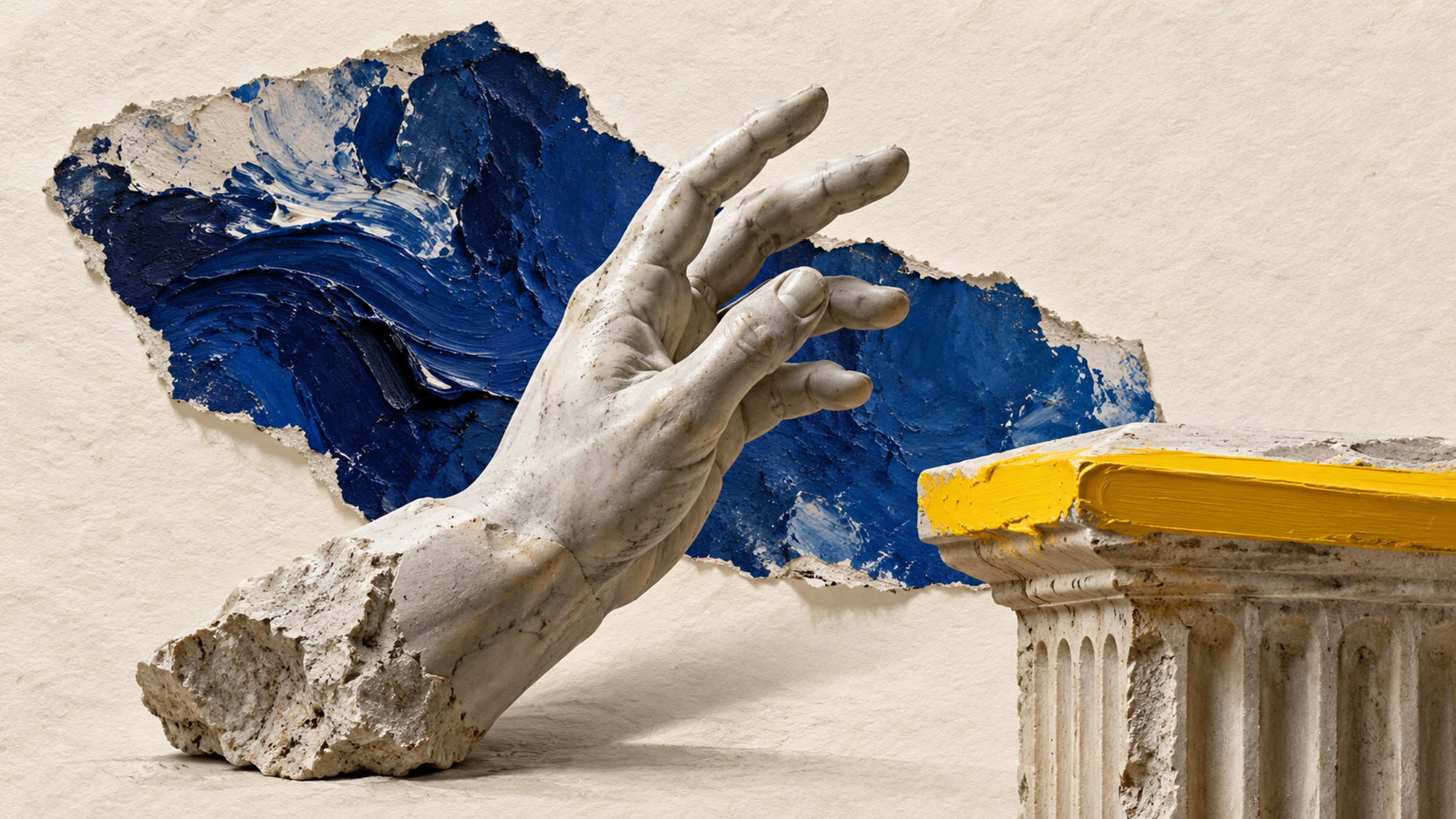
A wall label can name a painting and explain its context. It cannot let a visitor hear the artist describe a difficult brushstroke. A QR code beside the label can open that extra material, provided the visitor knows what to expect.
Begin with one exhibit where the additional content is worth the interruption. A short recording, a working sketch or a close-up of a detail gives the scan a purpose. Repeating the wall label on a phone adds little.
Write a specific caption such as "Hear the artist discuss this painting" or "See the restoration photographs." If you state a recording length, measure the published file. Visitors can then decide whether they have time to listen.
Open directly on the relevant object page, with the title and identifying details visible. A general museum homepage leaves a visitor looking for the work they are already standing in front of. If the exhibition has a guide, make it easy to move from the object page into that guide and back.
Provide a transcript with spoken audio and captions with video. Keep text readable on a small screen. Explain whether headphones are recommended, and let visitors start playback themselves so one scan does not fill a quiet room with sound.
Keep the core interpretation on the physical label. Offer an alternative for visitors who do not have a phone or cannot use the code. A clearly printed short address helps some people, but a printed guide or a member of staff may be needed as well.
Try the destination on the visitor network before opening the exhibition. Rooms with thick walls or limited reception may need a different approach. If content requires an app download, tell people before they begin rather than surprising them after the scan.
A pictorial QR can suit an exhibition entrance, printed guide or event card. Beside an individual object, use more restraint: the interpretation panel should not compete with the work it explains.
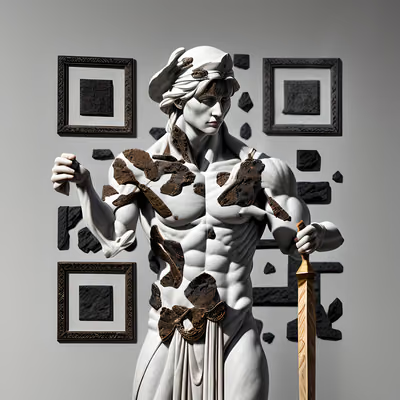
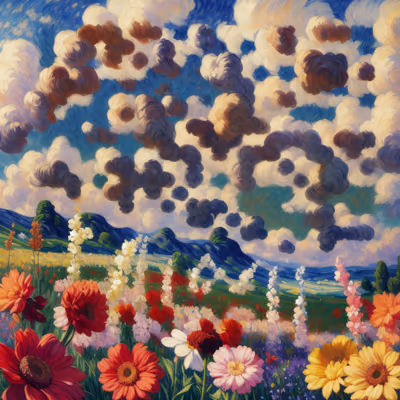
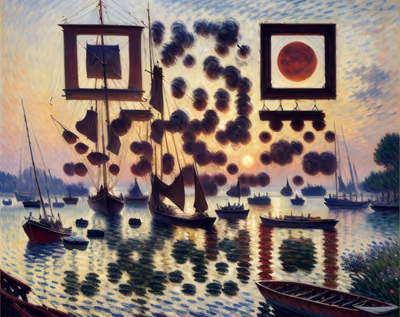
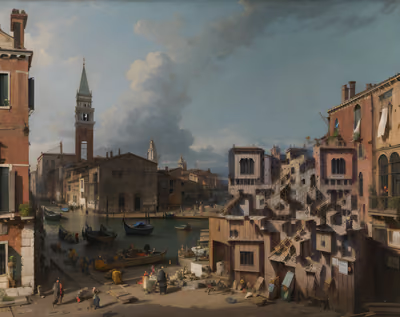
This selection includes sculpture, painted landscapes and architectural scenes. They are visual options for a guide or sign, not claims that the depicted artwork belongs to your exhibition. Use exhibition-specific imagery only when you have the necessary permission.
Make room for someone to stand and scan without blocking a doorway or crossing a barrier. Test from both standing and seated positions where practical. Check the final print under exhibition lighting, especially if the label sits behind reflective glass.
Keep the caption outside the artwork and preserve its clear border. Have someone unfamiliar with the exhibit follow the complete route. Can they identify the right object, start the content and return to the gallery guide?
Catalogues and postcards often leave the building with visitors. If their printed codes will outlive the show, keep a useful archive page at the destination. State that the exhibition has ended and preserve the supporting material you are entitled to keep online.
Record who owns each destination and review the links when an exhibition closes. Avoid redirecting an old object label to an unrelated promotion. For a broader comparison of decorative styles, see our guide to artistic QR design.

Give a haunted portrait a voice or let visitors uncover the history of a crooked house. A small scan prompt can become part of the scene.
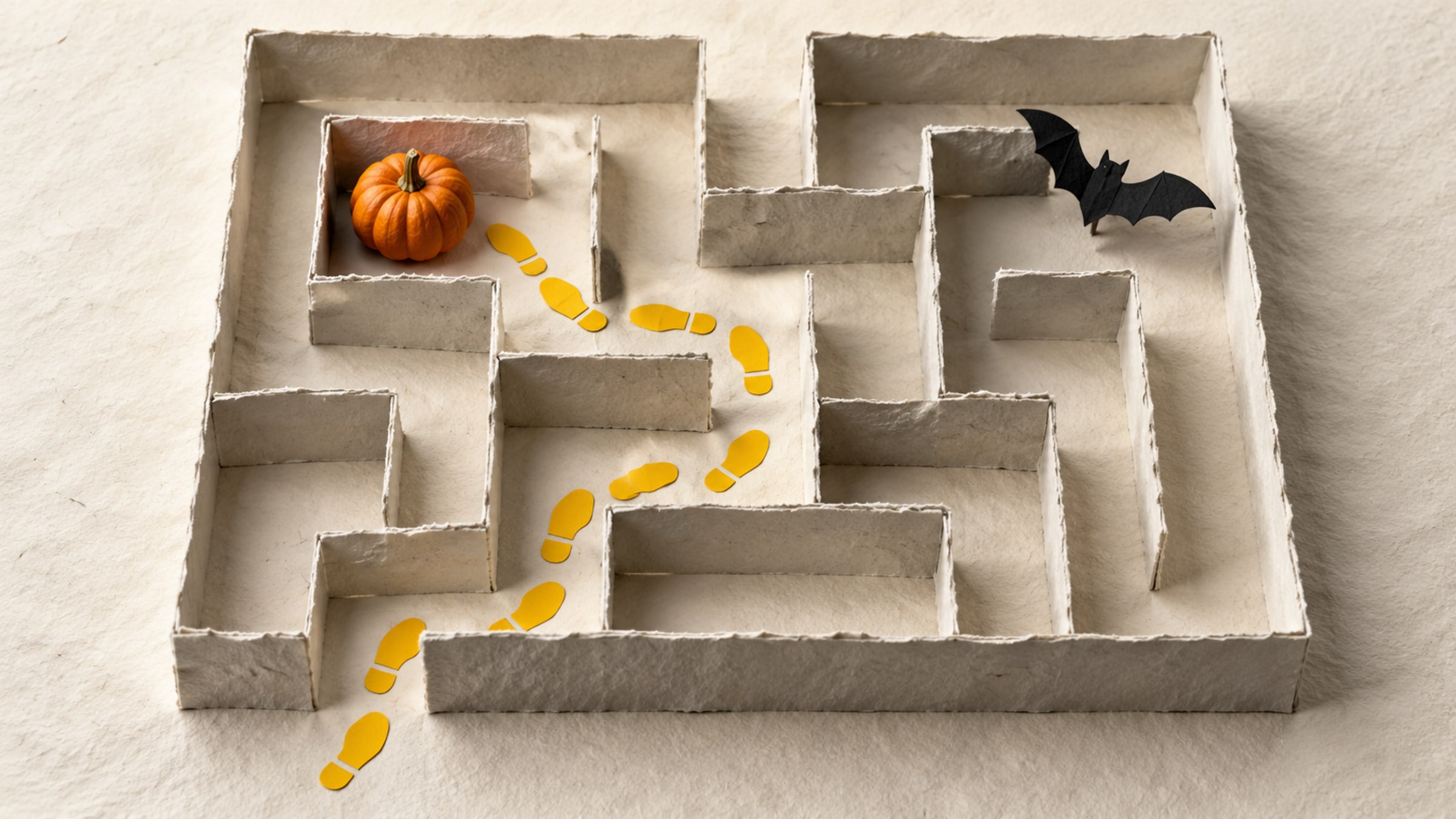
Build a short trail with a clear start, readable clues and a satisfying finish. This five-stop plan includes a paper fallback for guests without a phone.