
Search QR Codes…My ICQR
Made with AI, picked by hand.
The artwork comes out of image models. What reaches the gallery is my call: the subject, the color and a scan check on every code before it goes live.

The artwork comes out of image models. What reaches the gallery is my call: the subject, the color and a scan check on every code before it goes live.
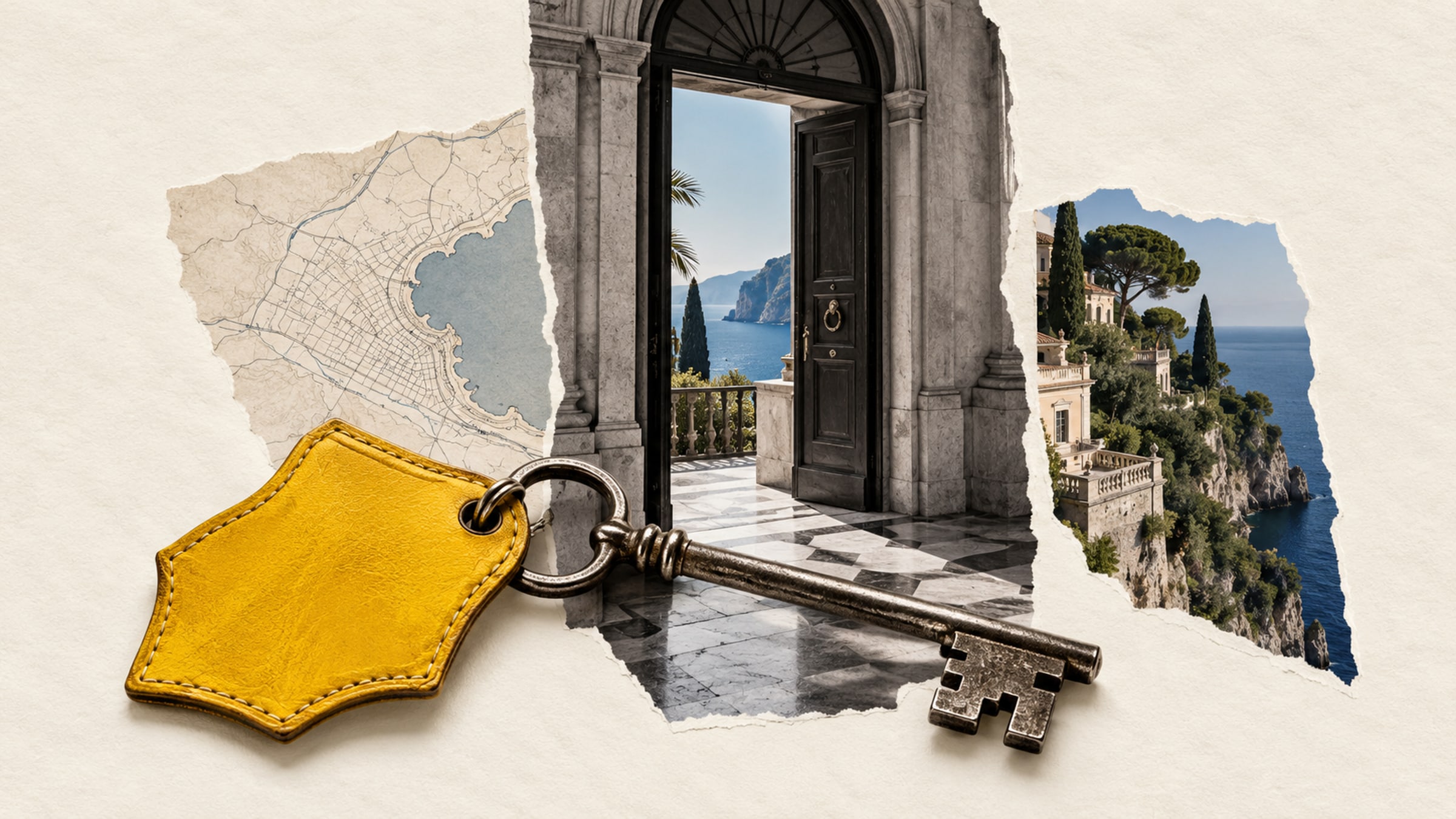
It is late, the reception desk is downstairs and a guest wants to know when breakfast starts. A room card that opens a clear guest guide can answer that question without sending them through a booking website.
Start a hotel QR code project with the questions your front-desk team hears most often. Put those answers near the top of a short page, and give someone on the team responsibility for keeping them current.
Lead with breakfast hours, checkout time and a straightforward way to contact reception. Use readable text and obvious links. A welcome video can sit further down the page; guests should not have to watch it to find out where breakfast is served.
Keep urgent safety information and essential room instructions available physically. A guest guide should still be helpful when someone's battery is flat, the network is unavailable or they do not want to use their phone. Write the reception number on the card itself.
For a small property, one maintained page may be enough. A larger hotel can organize it into short sections for dining, facilities and local information. If different buildings have different arrangements, label the guide clearly so guests know it applies to their room.
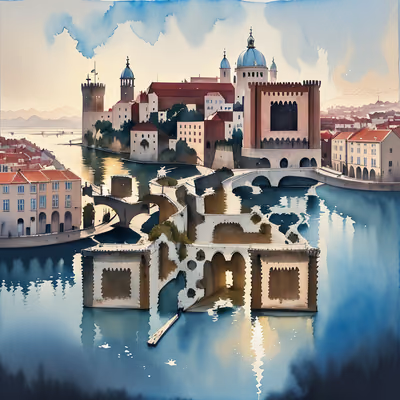
Landscape artwork works naturally for a coastal hotel or a mountain lodge. City architecture can suit an urban guesthouse. It need not depict your exact building, but it should not imply that an illustrated landmark is the view from the room.
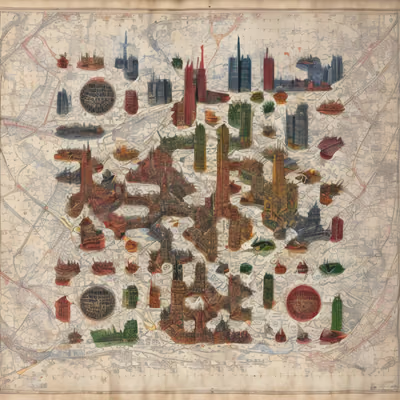
These six designs include coastal scenery, mountain landscapes and city details. A map-inspired piece can introduce a neighborhood guide; it should not be used as an accurate navigation map unless you have checked every relevant detail.
A useful recommendation says more than the name of a restaurant. Explain roughly where it is, what kind of visit it suits and whether guests should check opening hours before leaving. Link to the venue's own page for information that changes.
Keep the list small enough for staff to maintain. A short walk with a few familiar stops is easier to trust than a long directory nobody has checked. If you have a commercial relationship with a recommended business, say so where the recommendation appears.
A general QR link can also open an existing service-request form. Avoid promising immediate responses unless that form is actively monitored. Put the expected response arrangements on the destination page.
Anyone can photograph a printed code. Do not place door access codes, guest names or reservation details on a publicly accessible destination. If a service needs authentication, test the sign-in flow as a guest, including what happens after the session expires.
Print "Open the guest guide" beside the image and place the card somewhere a person can approach comfortably, such as a desk or bedside surface. A code high on a wall may look tidy but be awkward to scan.
Test the printed sample on the hotel network and on mobile data. Try the route to reception, each booking button and the local links. Ask someone unfamiliar with the property to find breakfast hours without help. Their first hesitation tells you where to edit the page.
For help matching the card to your interiors, compare the two collections in our artistic QR design guide. Keep the destination useful even if you later change the decor.

Give a haunted portrait a voice or let visitors uncover the history of a crooked house. A small scan prompt can become part of the scene.
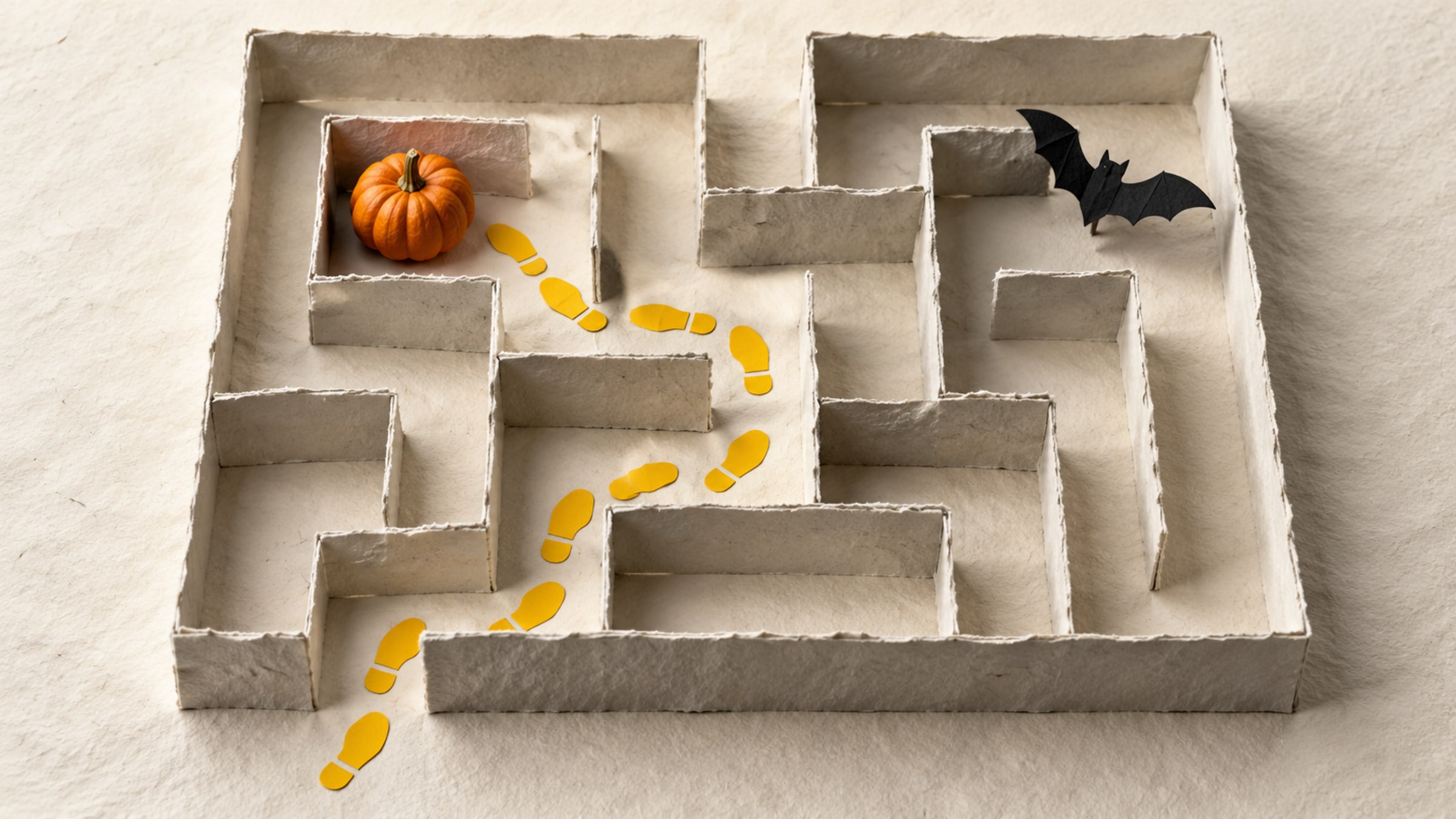
Build a short trail with a clear start, readable clues and a satisfying finish. This five-stop plan includes a paper fallback for guests without a phone.