
Search QR Codes…My ICQR
Made with AI, picked by hand.
The artwork comes out of image models. What reaches the gallery is my call: the subject, the color and a scan check on every code before it goes live.

The artwork comes out of image models. What reaches the gallery is my call: the subject, the color and a scan check on every code before it goes live.

Someone wants the name of the song. Another guest asks where to send a photograph. By midnight, the useful links are buried in a group chat. A small sign beside the speakers and another near the photo spot can keep those questions easy to answer.
For New Year's Eve QR codes, decide where each action belongs. Keep the signs separate enough that guests can tell which one they need without reading a menu of tiny labels.
Place a "Open tonight's playlist" card near the music setup or drinks table. Link to the playlist itself rather than your profile page. Check the destination on a phone that is not logged into the host's account, and make sure the list is available to the intended guests.
Listening and adding songs are different permissions. If you want requests, explain how guests should submit them. Do not assume a normal playlist link gives everyone editing access, or that scanning it starts music on the party speakers.
Keep the host's playback setup independent of the sign. Guests should not need to scan anything for the evening's music to continue.
At the photo spot, use a caption that says whether people can view photos, contribute them or both. Open the album on a guest device and try adding a test image. Check whether the service requires an account and tell guests what to expect.
Consider who will be able to see the album after the event. Ask before sharing recognizable photos more widely, especially when children are present. Keep the photo link off public invitations if the album is meant for a small group.
Whichever service you use, review its actual settings instead of relying on the fact that the URL is difficult to guess.
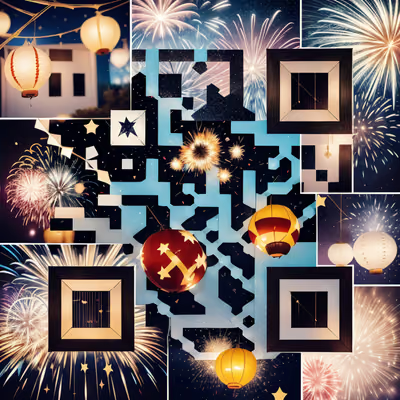
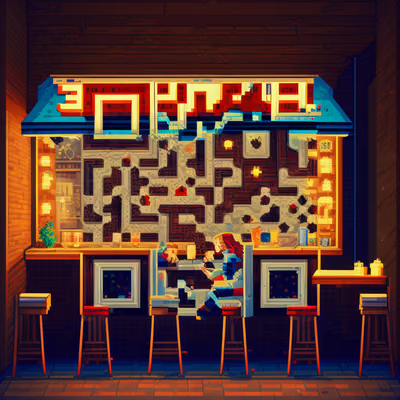
Fireworks can suit a welcome sign, while a bar scene belongs near the playlist or drinks area. These designs have different moods, from sparkling table settings to a pixel-art jazz room. Pick the ones that suit your gathering instead of repeating the same image on every surface.
Keep foil, glitter and reflective decoration on the surrounding card rather than across the QR image. A matte print on a stable backing is easier to test than a swinging tag. Leave room for the caption and preserve the artwork's border.
A larger event may benefit from a welcome-page link with the venue address, meal time and plans for midnight. Keep essential arrangements on the invitation too. Guests should not need a working phone to know when dinner starts or how to contact the host.
If you include a countdown page, state the timezone and check that it represents your event. For most home parties, the host's own clock and a short printed schedule are simpler.
Print the signs, turn on the party lighting and scan from a comfortable standing position. Test the destinations on mobile data and the guest network. Confirm that the artwork is not obscured by glasses, decorations or a card holder.
After the party, decide whether the album stays open for contributions and who will manage it. Keep the playlist available if you promised guests they could revisit it. If you also want a gift or keepsake, use the more personal ideas in our Christmas QR guide.

Give a haunted portrait a voice or let visitors uncover the history of a crooked house. A small scan prompt can become part of the scene.
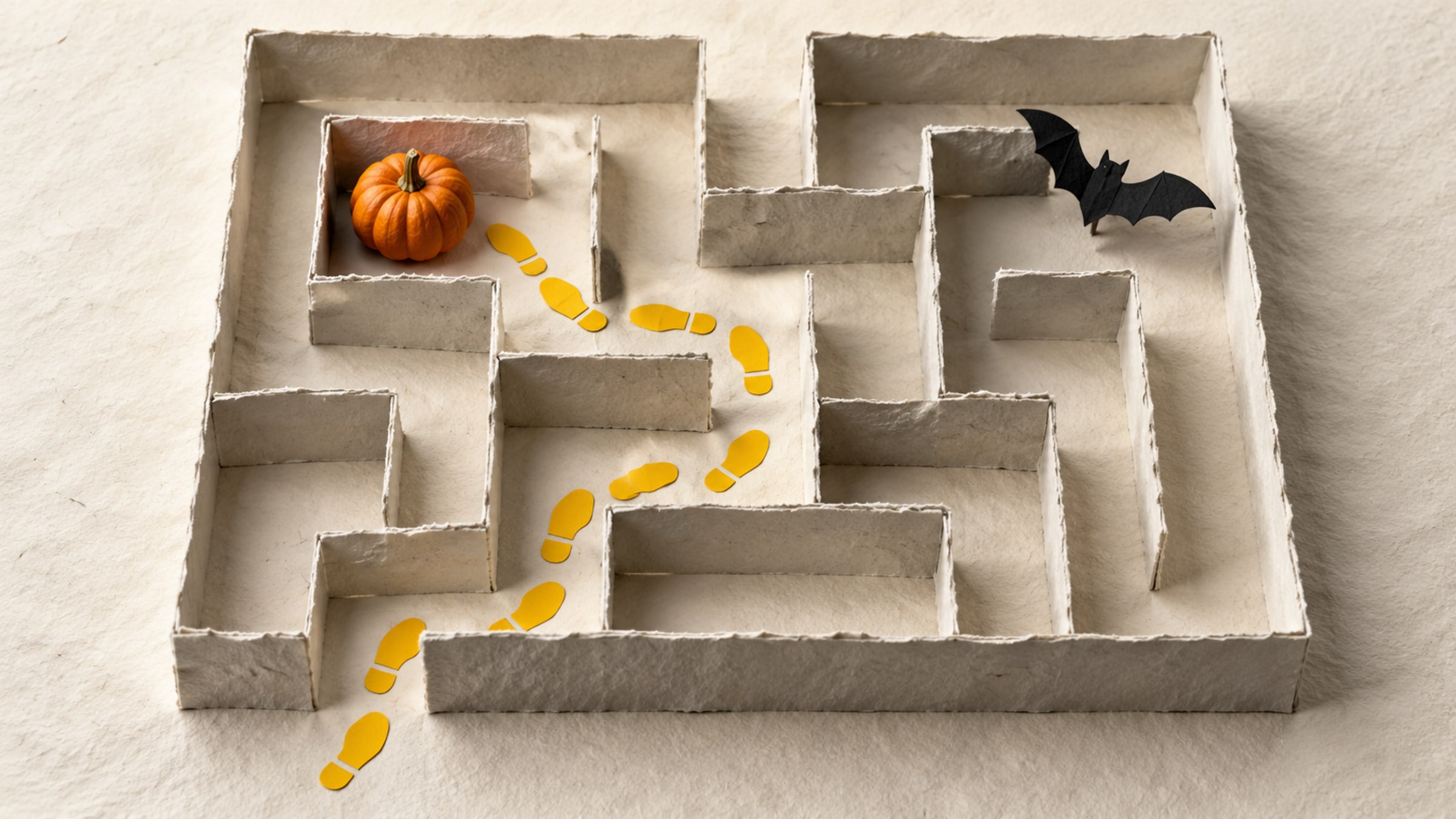
Build a short trail with a clear start, readable clues and a satisfying finish. This five-stop plan includes a paper fallback for guests without a phone.